AI IVR: replacing phone menus with a conversation
Removing a phone menu is easy. Replacing what it did is the real work. Here is how to design the opening question, convert your IVR tree and move one line at a time.

Vistrow Voice team
Product, speech, and customer experience
The short answer
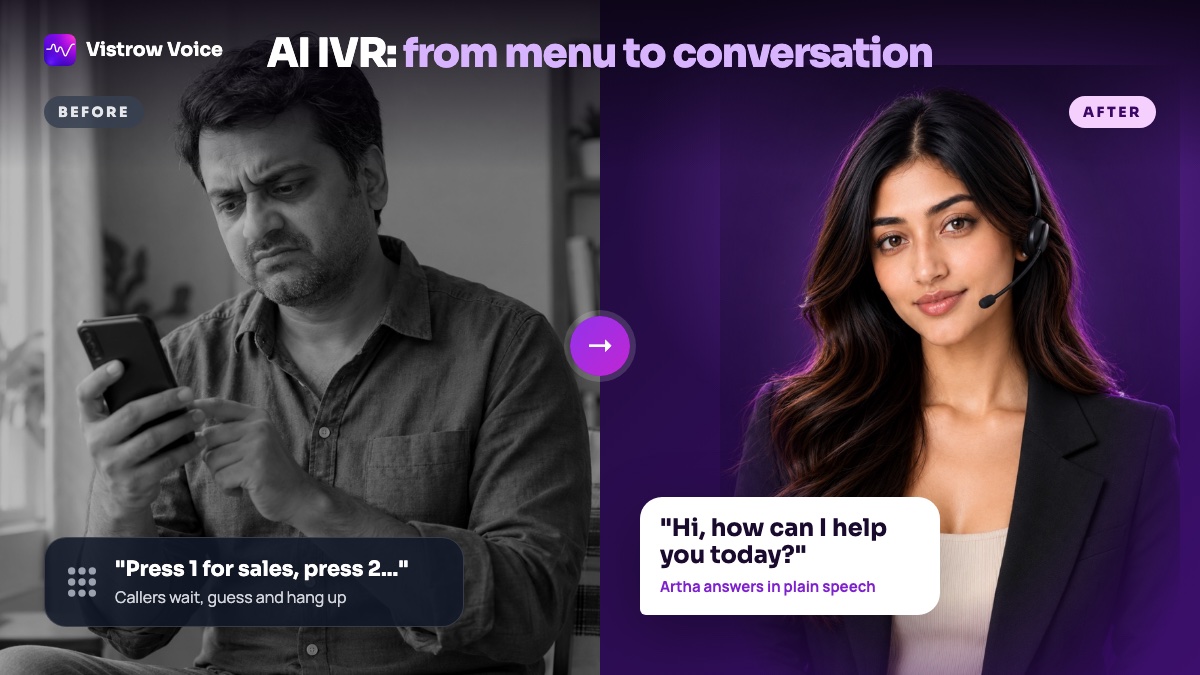
An AI IVR answers your business number with a question such as “How can I help?” instead of a keypad menu. It understands the caller’s sentence, then answers from approved information, books a slot, takes a callback request or transfers the call. Replacing a menu well means rewriting each menu branch as an intent, an answer source and an owner.
- 01What is an AI IVR?
- 02What replaces the menu when you remove it?
- 03How do you turn an IVR tree into instructions for the agent?
- 04What happens to the language menu?
- 05How should an AI IVR handle callers it does not understand?
- 06What should an AI IVR send to your team after the call?
- 07How do you switch from a menu to an AI IVR safely?
What is an AI IVR?
A traditional IVR answers a call with recorded prompts and waits for keypad tones or a few expected words. The technology is mature: the W3C published VoiceXML 2.0, a standard language for these menu dialogs, as a Recommendation in 2004. Our guide to how IVR works explains menus, DTMF and IVR trees in detail.
An AI IVR keeps the job of the IVR, which is to answer, understand and resolve or route, but drops the menu. The caller says what they need in their own words and an AI voice agent works out the intent. The AI IVR overview shows how this runs on a business number. This article is about the practical part: what you put in place of the menu so callers are never worse off than before.
To plan the change, see how an AI IVR answers your business number or compare the AI agent and IVR side by side.
What replaces the menu when you remove it?
One open question replaces the whole first level of the tree. The greeting should name the business, say briefly that the caller is speaking with an AI assistant, and ask what they need. Keep it short: callers who are used to menus wait for options, and a long introduction feels like one.
The agent then does what a good menu designer tried to do with branches, but in conversation. If the request is clear, it acts. If it is vague, it asks one follow-up question. If it is outside scope, it routes. On Vistrow Voice that opening line is the welcome message you write for inbound calls, set per agent on the inbound call answering page.
- Good opening: “Namaste, Sharma Diagnostics. You are speaking with our AI assistant. How can I help?”
- Too long: a paragraph about the company, its services and opening hours before the caller can speak.
- Too vague: “Please state your query,” which sounds like a menu without options.
How do you turn an IVR tree into instructions for the agent?
Take your current menu and rewrite every option as four things: the intent in plain words, how callers usually phrase it, where the answer comes from and who owns it if the agent cannot finish. Answers go into a knowledge base of approved answers; actions such as booking or transfer go into the agent’s functions; everything else becomes a rule in its instructions.
- Press 1 for timings becomes: answer opening hours and location from the knowledge base.
- Press 2 for appointments becomes: offer free slots inside business hours and book, or take a callback request if nothing fits.
- Press 3 for an existing order becomes: capture the order number and transfer, or take a callback, unless the agent has an approved way to look it up.
- Press 9 for an executive becomes: transfer on request, at any point in the call.
What happens to the language menu?
It goes. “Press 1 for English, press 2 for Hindi” is often the first thing callers hear, and it delays every call. An AI IVR can open in your default language and switch when the caller does. Vistrow Voice speaks more than 130 languages, including Hindi, English and nine other Indian languages (Marathi, Tamil, Telugu, Kannada, Malayalam, Gujarati, Bengali, Punjabi, Odia), and follows mixed speech such as Hinglish; the supported languages page has a page for each Indian language.
Choose the opening language by who calls most. A Bengaluru clinic might open in English, a Pune property line in Marathi or Hindi. Test with native speakers before launch, because names, numbers and addresses are where recognition slips first.
How should an AI IVR handle callers it does not understand?
A menu has a simple fallback: repeat the options. A conversation needs a designed one. Decide what the agent does after a short silence, after a second unclear answer, and when a caller is in a noisy place. The usual pattern is to rephrase once, offer a narrower question, and then route the caller to a person or take a callback request rather than loop. The AI agent vs IVR comparison covers where each approach is stronger.
- Silence: prompt once, then ask a yes or no question the caller can answer briefly.
- Unclear twice: offer a person or a callback instead of asking a third time.
- Caller asks for a person: transfer straight away on phone calls, without arguing.
- Caller prefers keys or has difficulty speaking: keep an alternative route, such as a separate line or a short keypad option on your existing system.
What should an AI IVR send to your team after the call?
A menu IVR tells you which keys were pressed. An AI IVR can tell you what the caller wanted. Every Vistrow Voice call is saved with a transcript, a summary and the fields you chose to extract, plus the recording if recording is on. Those details can go to Zoho CRM, Google Sheets, Slack, ArthaLeads or a webhook as the call ends, through the CRM and app integrations.
Agree the fields with the people who pick up transferred calls. Name, number, call reason and preferred callback time are a common minimum, so nobody asks the caller to start again.
How do you switch from a menu to an AI IVR safely?
Move one line at a time. Pick a number with predictable calls, such as an after-hours line or a single enquiry number, route it to the agent and leave the others on the existing IVR. Vistrow Voice lets you set the hours, active days and how many calls the line takes at once for each number. Read a sample of transcripts every day for the first week and fix the cause of each failed call: a missing fact, a vague instruction or a topic that belongs with a person.
Keep the old flow ready until the new one has run on real traffic, so switching back is a routing change rather than a rebuild. Our IVR vs AI voice agent decision guide explains how to choose which call reasons move first, and the Vistrow Voice pricing page lists current plans.
Frequently asked questions
What is an AI IVR?
An AI IVR answers a phone line with a conversation instead of a keypad menu. It understands what the caller says and answers, books, takes a callback request or transfers the call.
Do I need a new phone number for an AI IVR?
Not necessarily. The number stays with your telephony provider and is routed to the agent. Check the connection setup with your provider, or use a new number.
Can an AI IVR transfer calls to a person?
Yes. On Vistrow Voice, set a transfer number and the agent dials your colleague into the call and stays on until they answer.
Does an AI IVR still need a language menu?
No. The agent opens in your default language and follows the caller if they switch, including Hindi, English and nine other Indian languages.
Should I replace every IVR line at once?
No. Move one line with predictable calls first, read the transcripts for a week, and keep the old flow until the new one has proved itself on real traffic.
Sources and references
Published sources behind the facts and figures. The examples and checklists above are our own guidance.