
Answer every call, day or night.
Point your number at Vistrow and Artha picks up every inbound call on the first ring - qualifying, answering, and routing without hold music.
- No signup needed
- 5 free calls
- 130+ languages
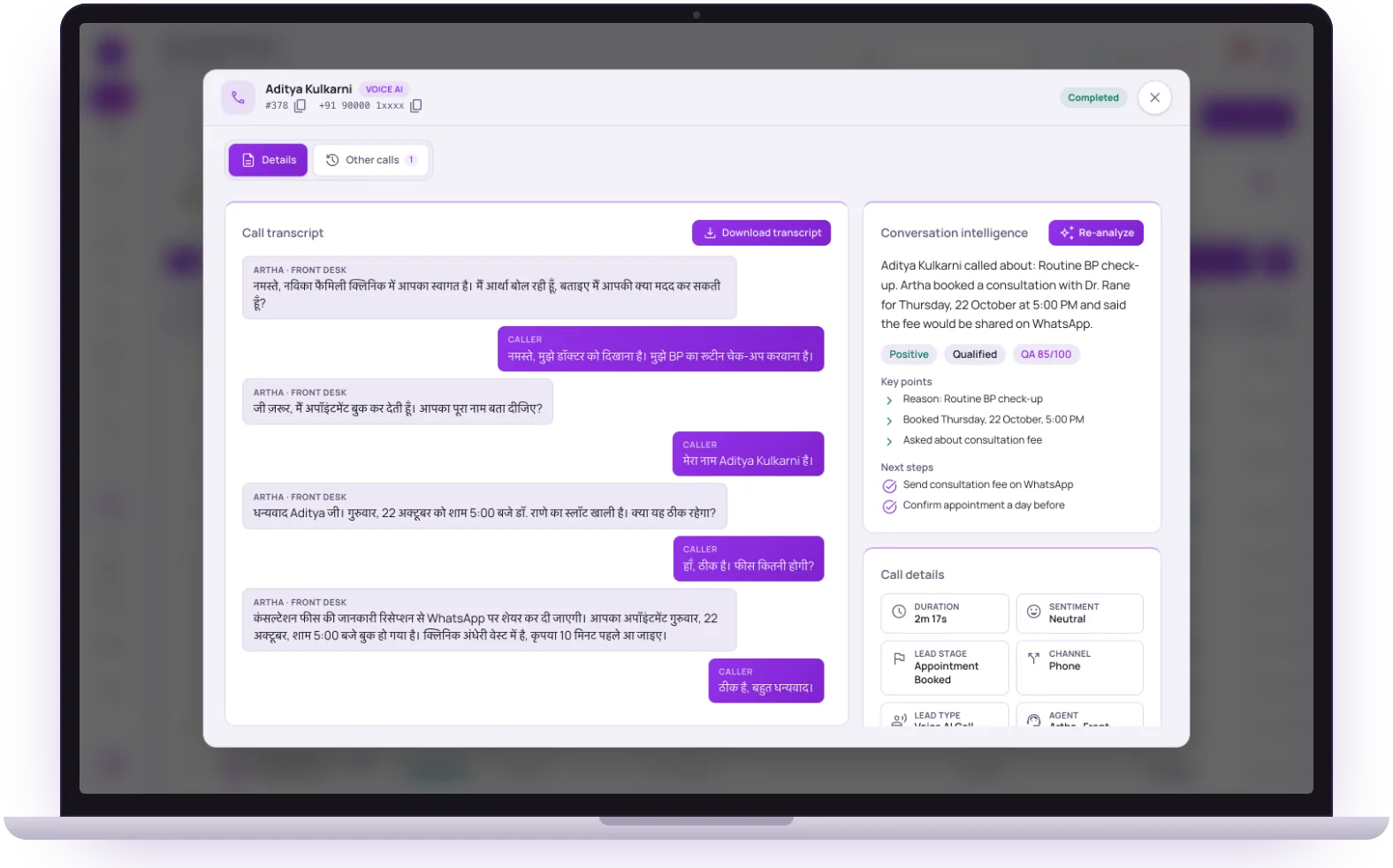 Live call · HindiAppointment booked
Pickup
24/7
No missed calls, no voicemail
Languages
130+
Follows the caller if they switch
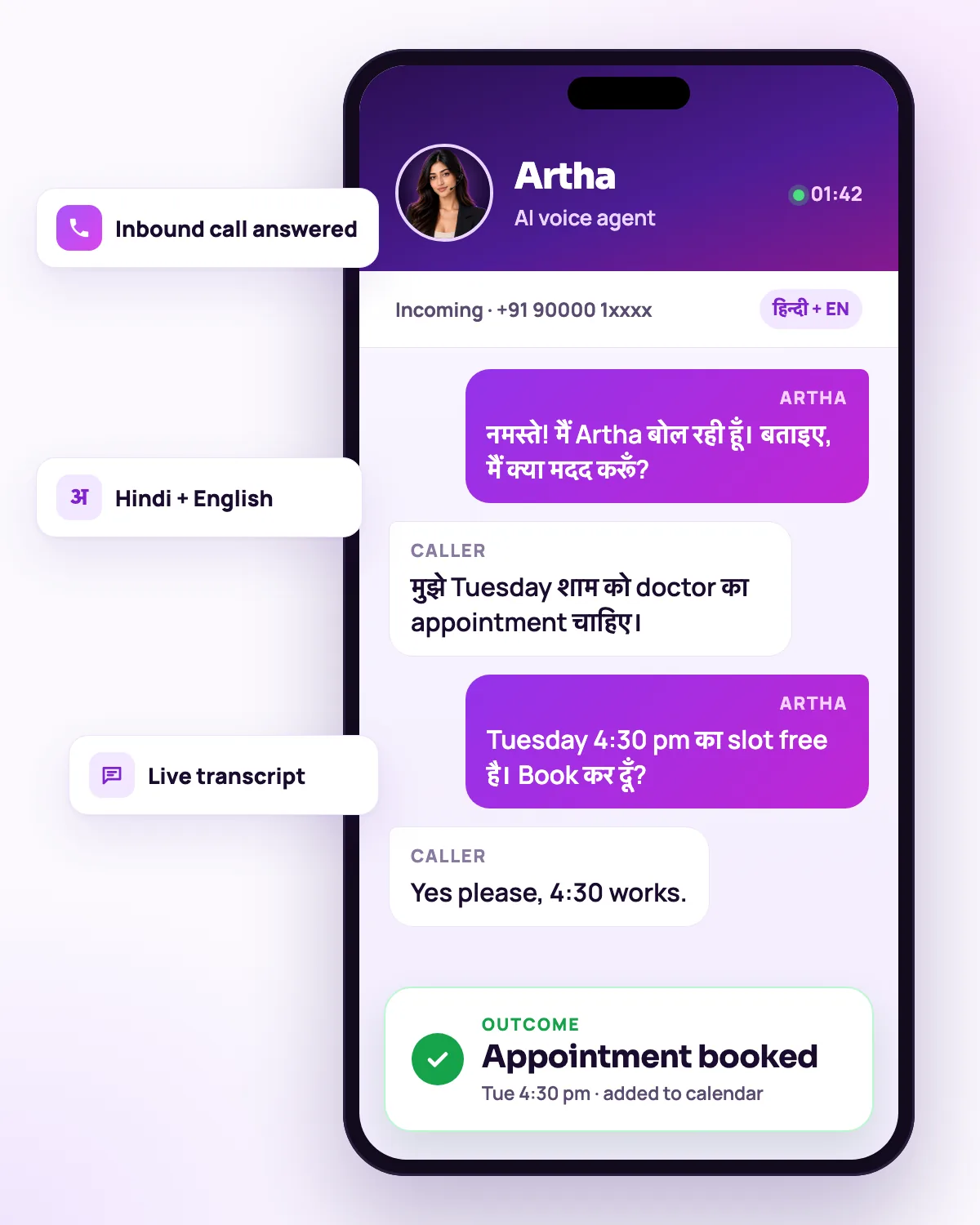
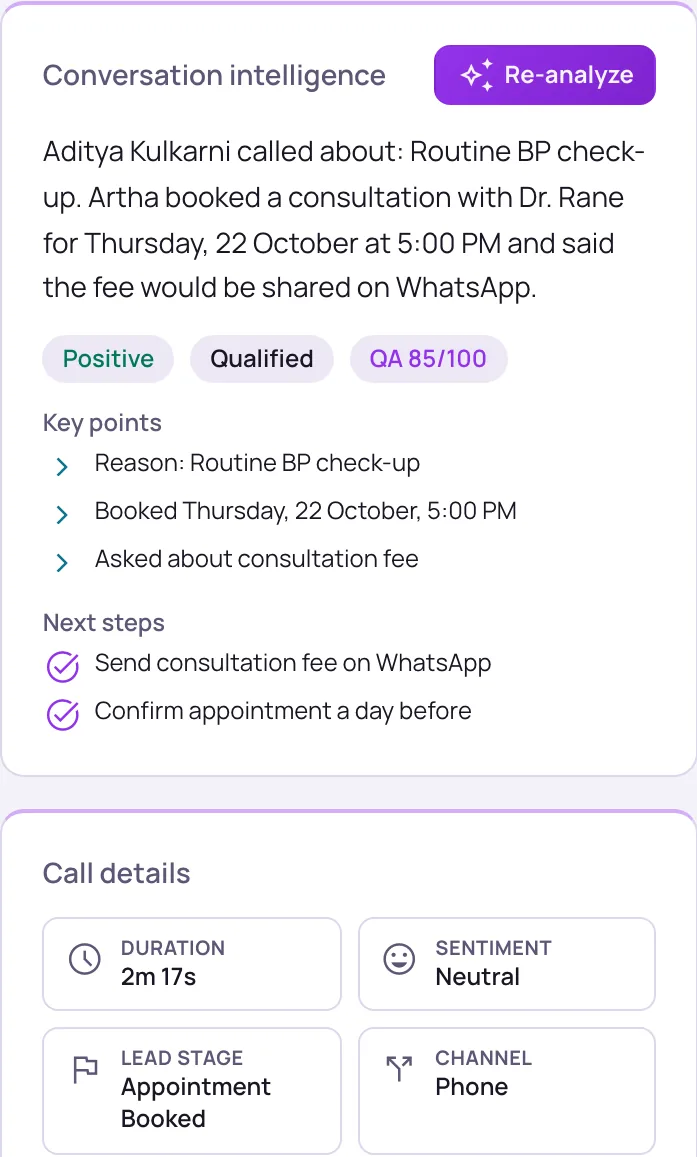
Transcripts
Every call
With lead fields and CRM status
New route
Live now
A route works as soon as you create it

24/7 pickup
No missed calls, no voicemail - every caller reaches a helpful agent instantly.

Auto-qualification
Captures intent, budget, and contact details as lead fields, ready for your team.

Smart routing
Sends the right calls to the right team or agent based on what the caller needs.

Instant CRM sync
Pushes every qualified lead to your CRM the moment the call ends.
Hear it on a real call before you decide.
Artha answers in your language, works on your number and your website, and leaves a record of every call.

Consent and recording, your call
Require spoken consent, switch recording on or off and set how long records are kept.

130+ languages
Hindi, Hinglish and 9 other Indian languages included. The agent follows the caller.

Phone and website
The same agent can answer your number and the call button on your site.

Every call logged
A transcript for every call, plus the lead fields captured and the audio if recording is on.
What happens on an inbound call to your number.
- 1Step 1
1. Connect a number
Provision the number with your telephony provider, connect it under Phone Numbers in full international format, and run a test call.
Connect a phone number - 2Step 2
2. Route it to an agent
On the Inbound page, pick the number and the agent and create the route. It is live immediately.
Route incoming calls - 3Step 3
3. The agent takes the call
It opens with the welcome line you wrote for inbound calls, answers from your knowledge base, follows the caller if they change language, and can book an appointment or take a callback request.
- 4Step 4
4. You get the record
Each call has a transcript, the lead fields captured, CRM delivery status and, if recording is on, the audio. Earlier calls from the same number sit alongside.
Find a call or transcript
Hours, limits and what happens at the edges.
Call window and days
Set a timezone, start and end dates, a daily window and active days, for example Monday to Saturday only. Leave the window blank to answer at any time.
Concurrent-call limit
Choose how many calls a number takes at once. Calls outside the window or days, or beyond the limit, are not answered by the agent.
Transfer to a person
With a transfer number set, the agent can dial a colleague into the call and stay on until they answer.
Functions and transferBookings and callbacks
The agent offers slots inside the business hours and slot length you set under Settings, and takes a callback request when nothing fits.
Bookings and availabilityConsent and recording
Require spoken consent, switch call recording on or off, and set how many days transcripts and recordings are kept.
Consent and retentionReturning callers
Turn on memory and the agent greets repeat callers using a short summary of their earlier calls.


Businesses where a missed call is a missed customer.
Clinics and appointment businesses
Booking requests, timing questions and callbacks handled outside reception hours.
HealthcareProperty and sales enquiries
Budget, location and timeline captured while the buyer is still on the line.
Real estateSupport lines
Common questions answered first, with a clear route to a person for the rest.
Customer supportFront desks and reception
Questions, bookings and messages handled at any hour, with a transfer when a person is needed.
AI receptionist


Comparing options? See how Vistrow differs from telephony platforms such as Exotel and Knowlarity in the comparison pages, or read why an AI agent is not the same as an IVR.
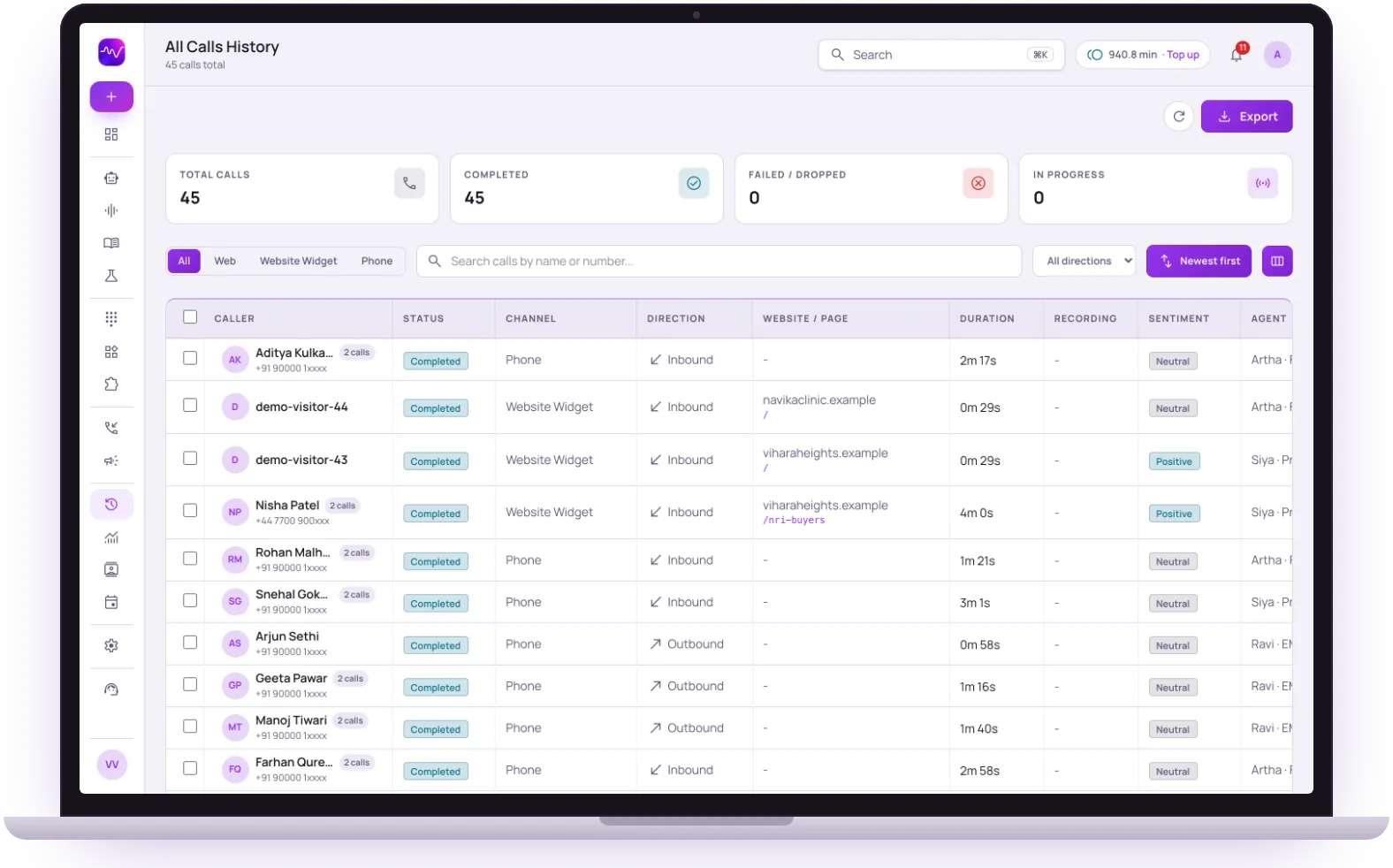
The same screens your team will use.
These are views of the real Vistrow Voice dashboard, with sample data.
- 1
Filter by channel
Phone, web and website widget calls sit in one list, one tap apart.
- 2
Inbound and outbound together
Each row shows the direction, the duration and the page a website call came from.
- 3
Sentiment and the agent
See how each call went and which agent took it, then open the transcript.
The questions buyers ask first.

What does it cost?
Usage is measured in minutes of conversation, and the voice and model you choose change how quickly minutes are used. Telephony is billed separately by the provider you connect.
How pricing works
How much setup is it?
No code. Set the persona, prompt, voice and language, test it in the browser, then publish. Later changes apply from the next call.
Create an agentCan a person take over?
On phone calls the agent can dial in the colleague you set and stay on until they answer. Website calls take a callback request instead.
Functions and transfer
What if it does not know?
With strict mode on, it quotes your approved answers and says it will check with the team when something is not covered, rather than guessing.
Knowledge baseStill deciding? Ask Artha yourself.
- No signup needed
- 5 free calls
- 130+ languages
Questions, answered.
The things people ask us most. If yours isn’t here, talk to us and a person will reply.
Ask us directlyNot necessarily. Numbers are connected through your telephony provider and then routed to an agent on the Inbound page. The connect-a-number guide in the help centre lists the steps.
On phone calls it can transfer to a person if you have set a transfer number, or take a callback request - never a dead end or hold music.
Every call gets a transcript. Audio recording is a setting you can turn on or off under Compliance, along with spoken consent and how long data is kept.
Yes. Set a call window, active days and a maximum number of concurrent calls per number. Calls outside those rules are not answered by the agent.
More than 130 languages, including Hindi, English and 9 other Indian languages, plus Hinglish, and it follows the caller if they switch mid-call. See the languages page for each one.
An IVR asks the caller to press keys through a fixed menu. The agent understands what the caller says, answers from your knowledge base and completes the next step such as a booking.
Put an AI agent on every call.
Try Artha live in your browser, or book a walkthrough with our team.
- No signup needed
- 5 free calls
- 130+ languages
Related guides
New to the idea? Start with what an AI receptionist does on a call.