
After-hours AI answering: what callers should get at 11 pm
A call at 11 pm is often the one that matters most to the caller. Here is what they should get from an AI answering service when your office is closed, and how to set it up so nothing is lost overnight.
The short answer
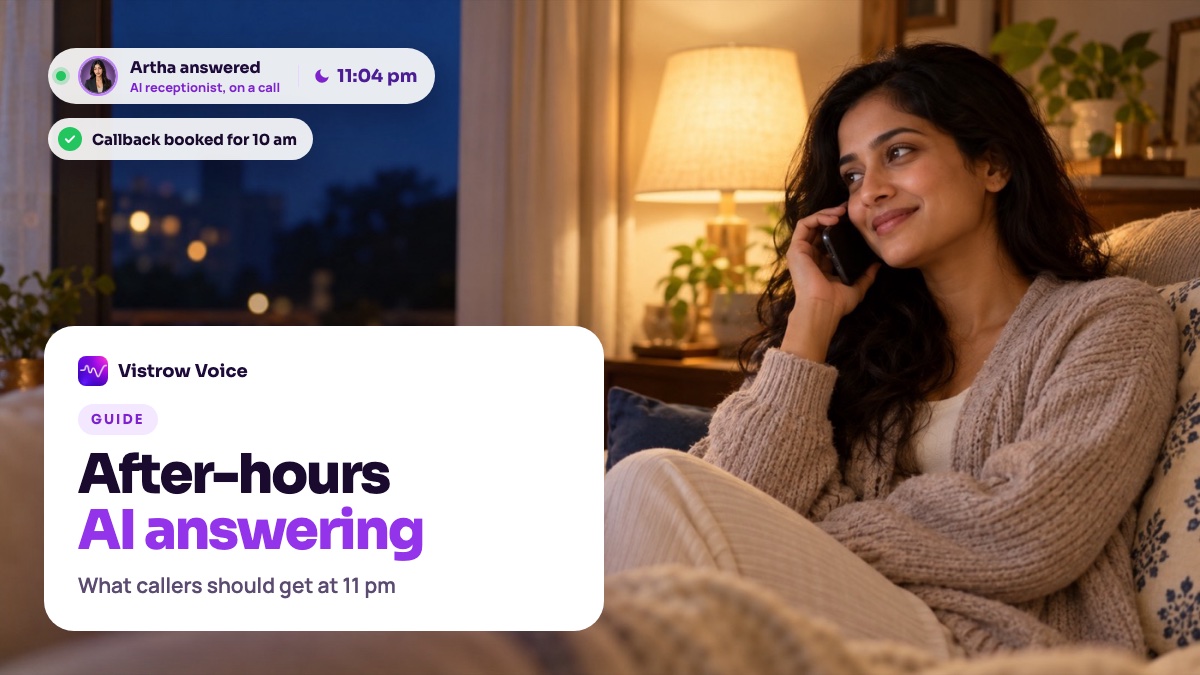
An after-hours AI answering service should pick up every call, answer common questions from approved information, book an appointment or take a callback request with a preferred time, and route anything urgent to an on-call person or emergency services. By morning, your team should have a transcript and summary of every call, not a pile of voicemails.
- 01What should a caller get from an after-hours AI answering service?
- 02How is after-hours AI answering different from voicemail?
- 03What can the AI answer when your office is closed?
- 04Can it book appointments and callbacks overnight?
- 05What should happen to urgent calls at night?
- 06How do you set up after-hours answering on your phone line?
- 07What should your team check the next morning?
What should a caller get from an after-hours AI answering service?
People call when they have time or when something goes wrong, and both often happen after work. A caller at 11 pm who hears a recorded message and a beep usually hangs up and tries someone else. An after-hours AI answering service gives them a conversation instead: an answer, a next step and a clear promise about what happens in the morning.
An AI receptionist that answers every call does this the same way at 11 pm as at 11 am. Vistrow Voice answers inbound calls on your own phone number and on your website, in more than 130 languages, including Hindi, English and nine other Indian languages (Marathi, Tamil, Telugu, Kannada, Malayalam, Gujarati, Bengali, Punjabi, Odia). The inbound call answering page shows how calls are routed to an agent.
To set up night-time cover, start with the AI receptionist for every call and the inbound call answering settings.
- A real answer to common questions, not "please call back tomorrow".
- A booking or a callback request with a preferred time.
- Urgent calls routed to a person or emergency services.
- A record of the call that your team can read in the morning.
How is after-hours AI answering different from voicemail?
Voicemail records a message and leaves all the work for the morning: listening, guessing what the caller wanted, calling back and often missing them. Many callers do not leave a message at all, so you never learn they called.
An AI answering service holds the conversation. It asks what the caller needs, answers what it can and collects the details your team needs to follow up: name, number, reason for calling and a good time to call back. Every call is saved with a transcript and a summary. Our comparison of an AI receptionist vs an answering service vs IVR covers the wider choice.
What can the AI answer when your office is closed?
Anything you have written down and approved: opening hours, location, services, how to prepare for a visit, return or cancellation policies, and the answers to the questions your team hears every day. Upload them to the knowledge base for approved answers, review the extracted answers, and switch on strict mode so the agent quotes them rather than improvising.
Be clear about what it should not answer at night. Prices that change, account-specific questions, complaints and anything needing a judgment call can wait for a person, as long as the caller knows when to expect a call. Our explainer on what an AI receptionist should handle helps draw that line.
- Opening hours, location and directions.
- Services, visit preparation and common policies.
- What happens next, and when your team will call.
Can it book appointments and callbacks overnight?
Yes. The agent offers free slots from the built-in Appointments calendar, inside the business hours, slot length and blackout dates you set, and confirms a booking only once it has saved. A caller at 11 pm can book a visit for 10 am the next day without waiting for anyone. The bookings and availability guide explains each setting.
When a booking is not the right step, the agent takes a callback request with the caller's preferred time. Booking events can also go to Slack, Google Sheets, Zoho CRM, ArthaLeads or a webhook, so whoever opens up in the morning sees them straight away.
What should happen to urgent calls at night?
Decide this before you switch anything on. For businesses with someone on call, set a transfer number: on phone calls the agent dials that person into the call and stays on until they answer, and takes a callback request if nobody picks up. The functions and transfer guide covers the settings.
For possible emergencies, write a fixed rule telling the agent to direct the caller to emergency services immediately, and give it the right number for where your callers are. In India, 112 is the single, nationwide emergency number. Clinics have extra rules, which our guide to an AI receptionist for clinics covers.
- Urgent but not an emergency: transfer to the on-call person, or a callback first thing.
- Possible emergency: direct the caller to emergency services at once.
- Not urgent: answer, book or take a callback request.
How do you set up after-hours answering on your phone line?
Connect your number and create an inbound route to the agent. Leave the call window blank to answer at any time, or set one that covers only the hours your team is away. You can also choose active days and a limit on how many calls the number takes at once. The inbound routing guide shows each field.
Write a short evening greeting so callers know what to expect, for example that the office is closed but you can answer questions, book a visit or arrange a call back first thing. Test it at night from a mobile phone, the way your customers will call, and check that bookings land in the right slots.
Phone numbers connect through your own telephony provider. Callers from abroad can reach you if that provider supports it, while the website voice widget works from any browser in any country, so late-night website visitors can talk to the same agent without dialling.
What should your team check the next morning?
Open Calls history and read the night's calls first thing. Each call has a transcript, a summary and any lead fields the agent captured, and qualified leads can trigger email alerts. Call back every request at the time the caller asked for, and confirm or move any bookings made overnight. A quick daily routine matters more than any setting: the caller was promised a call, and keeping that promise is what makes the night-time answer worth having.
For the first two weeks, also check the quality: did the agent answer correctly, route urgent calls the right way and promise only what your team can keep? Our guide to AI call recordings and transcripts explains what to look for, and the Vistrow Voice pricing page shows how calls are billed when you extend answering to more hours.
Frequently asked questions
Can an AI answering service take calls 24 hours a day?
Yes. Leave the inbound route's call window blank and the agent answers at any time, up to the concurrent-call limit you set for the number.
Can callers book appointments after hours?
Yes. The agent offers free slots inside the business hours you set, so a caller at night can book a visit for the next day and get it confirmed on the call.
What happens to urgent calls at night?
On phone calls the agent can transfer to an on-call number and takes a callback request if nobody answers. Possible emergencies are directed to emergency services.
How does my team see what happened overnight?
Every call is saved in Calls history with a transcript and summary. Leads and bookings can also be sent to Slack, Google Sheets, Zoho CRM, ArthaLeads or a webhook.
Is after-hours AI answering better than voicemail?
For most businesses, yes. Callers get an answer or a next step instead of a beep, and your team gets details and a transcript instead of a recording to decode.
Sources and references
Published sources behind the facts and figures. The examples and checklists above are our own guidance.